

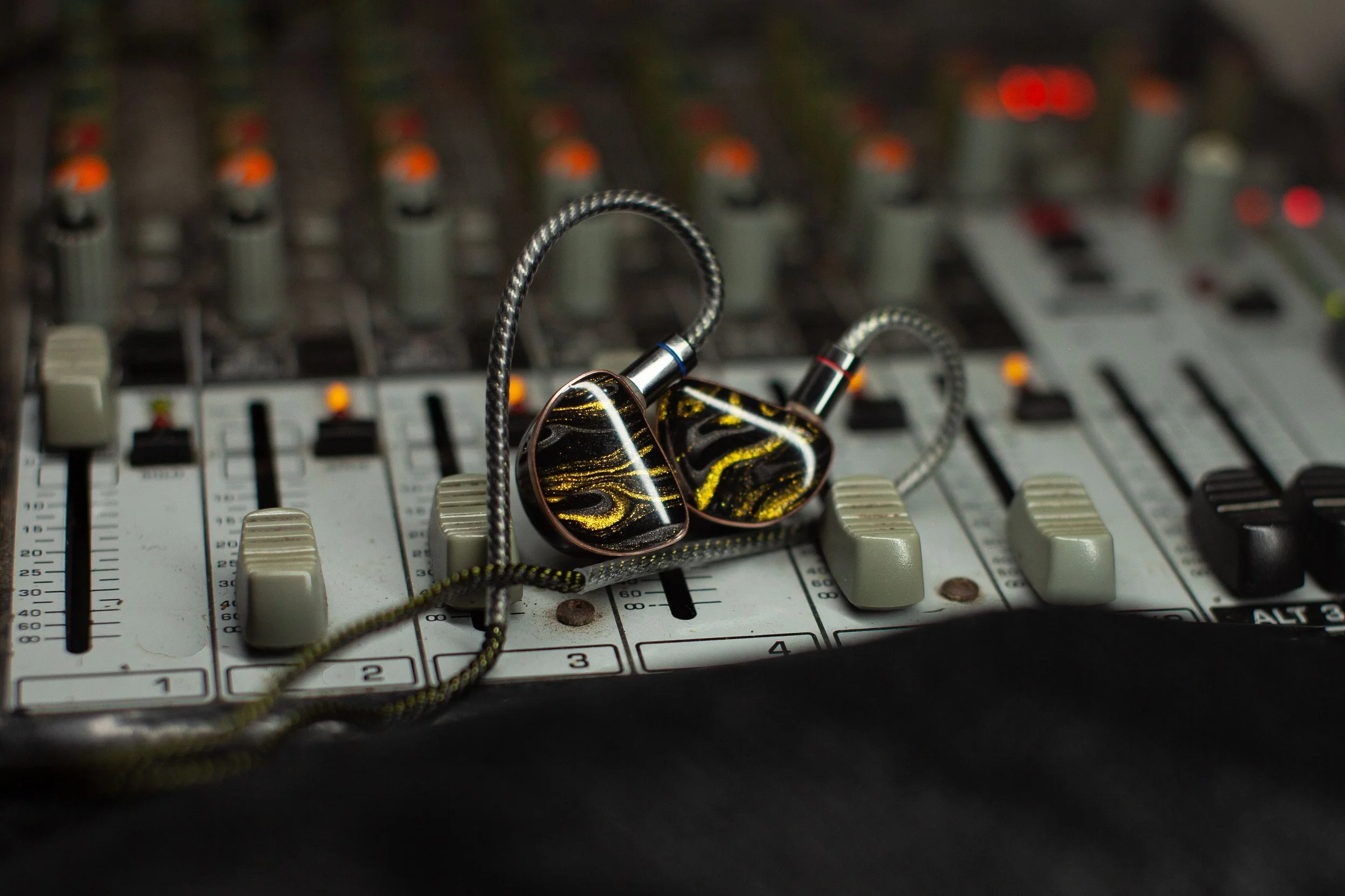
At Redemption, we’re an in-ear team. If you’re new to in-ears, or you’ve been using them for a while and still aren’t sure your mix is right, this post is for you. We’ll cover why we use in-ears, how they protect your hearing, and how to build a mix that helps you play and sing with confidence.
Why In-Ears?
Compared to floor wedges, in-ears give you your own personal mix and keep the stage quieter, which means a cleaner sound for the congregation and fewer feedback headaches for the sound booth. Most importantly, they help protect your hearing.
In-Ears Protect Your Hearing
Hearing damage from loud sound is permanent, and it adds up over time. Every rehearsal and every service counts. With wedges, everyone keeps turning up to hear themselves over everyone else, and the whole stage gets louder and louder. In-ears block out much of that stage noise, so you can hear clearly at a much lower volume.
The goal is simple: keep your in-ears as quiet as you can while still hearing what you need. If you notice ringing in your ears after a service, that’s a sign your mix is too loud.
Keep Both Ears In
It’s tempting to pull one ear out to “feel the room.” We get it. But here’s why both ears belong in:
You’ll turn up to compensate. Your brain hears sound as louder when it comes through both ears. Take one out and your mix suddenly feels thin and quiet, so you turn it up. Now one ear is getting a louder mix than it needs.
The open ear isn’t protected. The ear you pulled out is now taking in the full volume of the stage and room, with nothing blocking it.
You lose the stereo picture. A good mix uses both ears to separate instruments (more on that below). With one ear out, everything collapses into one side, and it’s harder to hear clearly.
If your mix feels too isolated, there’s a better fix than pulling an ear out. Keep reading.
Building a Great Monitor Mix
A great monitor mix isn’t about hearing everything. It’s about hearing what you need to play and sing confidently. Most musicians actually perform better with less in their ears, not more.
As a starting point, build your mix around these priorities:
Yourself. You should always hear yourself clearly.
A Timing Reference. Click, tracks, or drums.
A Pitch Reference. Typically keys, pad tracks, or another harmonic instrument.
The Worship Leader. Follow musical direction and cues.
The Music Director (MD). Listen for arrangements, transitions, and communication.
From there, add only what helps you perform. For example:
Electric guitarists may want the other electric guitar.
Vocalists may want additional harmony parts.
Drummers may need more bass.
Keyboard players may want more acoustic guitar.
Everything else should stay low in the mix, or be muted entirely if it isn’t helping you. Remember: a cleaner mix leads to better playing.
Use Stereo Panning
One of the easiest ways to improve clarity is stereo panning. Pan instruments and vocalists to match where they’re physically standing on stage. For example:
Keys on stage right → pan right.
Acoustic guitar on stage left → pan left.
Lead vocal in the center → keep it centered.
This creates a natural soundscape that reduces muddiness and makes it easier to pick out each instrument. It’s also one more reason to keep both ears in.
Creating More Ambience
If your mix feels too isolated, try adding a small amount of the Crowd mics. This lets you hear the room and the congregation singing without pulling an ear out.
Vocalists can also blend in a little Vox Reverb and Vox Delay for a more natural listening experience. A little goes a long way.
Final Tips
Build your mix during rehearsal, not on Sunday morning.
Avoid making big changes during the service unless absolutely necessary.
If you’re struggling to hear something, ask the Audio Engineer for help rather than drastically changing your mix.
Keep your overall volume as low as you comfortably can.
When in doubt, simplify. Fewer channels almost always make a better monitor mix.
Thinking about getting your own pair? Read our guide: Which In-Ears Should I Buy?